TaberoFor iPhone and iPad

When you can’t read the menu,
Understand it and order well.

Snap a menu to see dishes and prices in your language,then show staff a ready-to-use order card.

  • Dish details
  • Price check
  • Order card
Download on the App Store
1

Can’t readthe menu?

For the moment you stop at the door, or sit down and still do not know what to order.
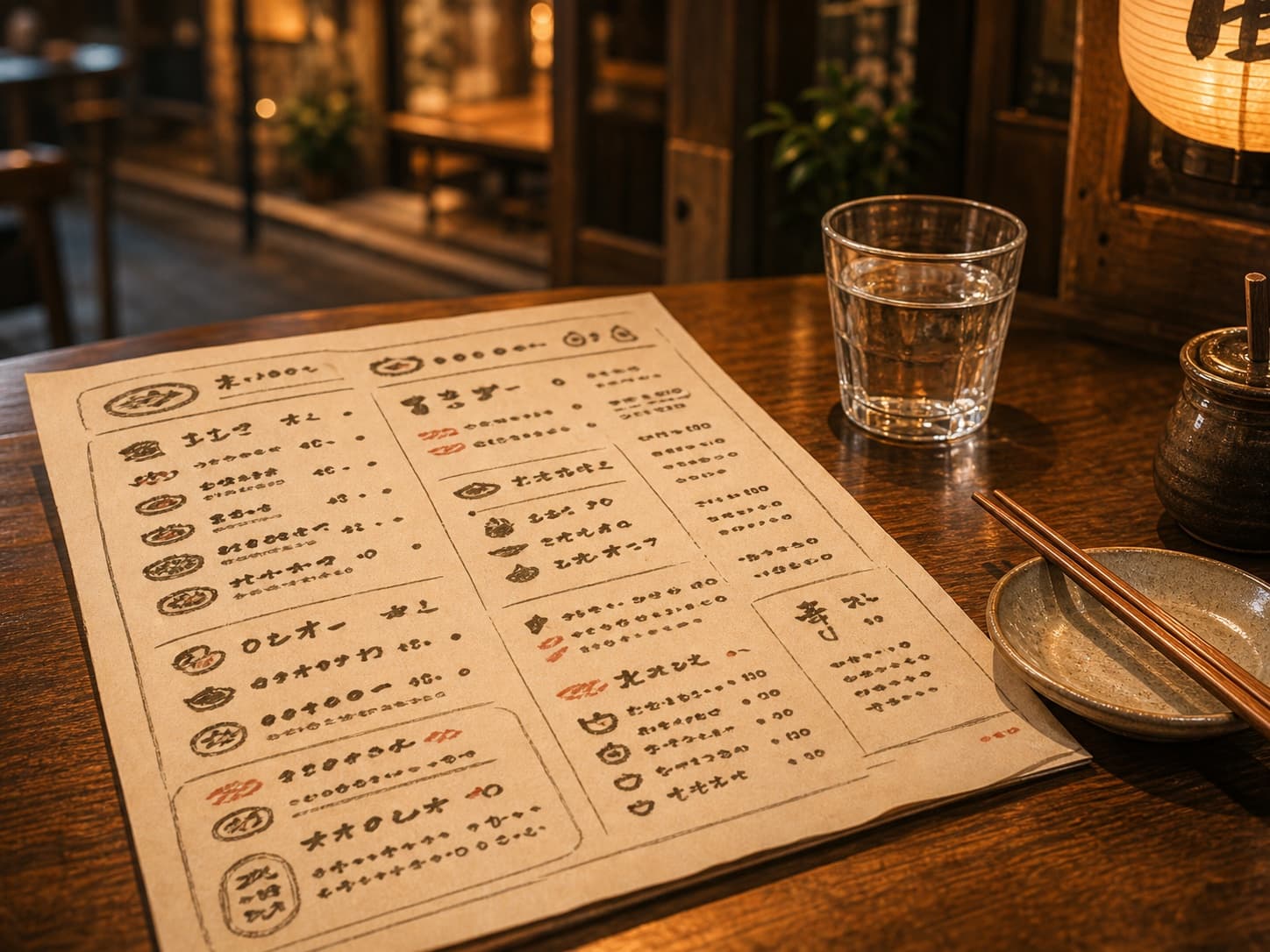
A traveler looking at a menu outside a local restaurant in Japan
2

Snap themenu

Fit the menu in the frame and Tabero starts reading it right away.
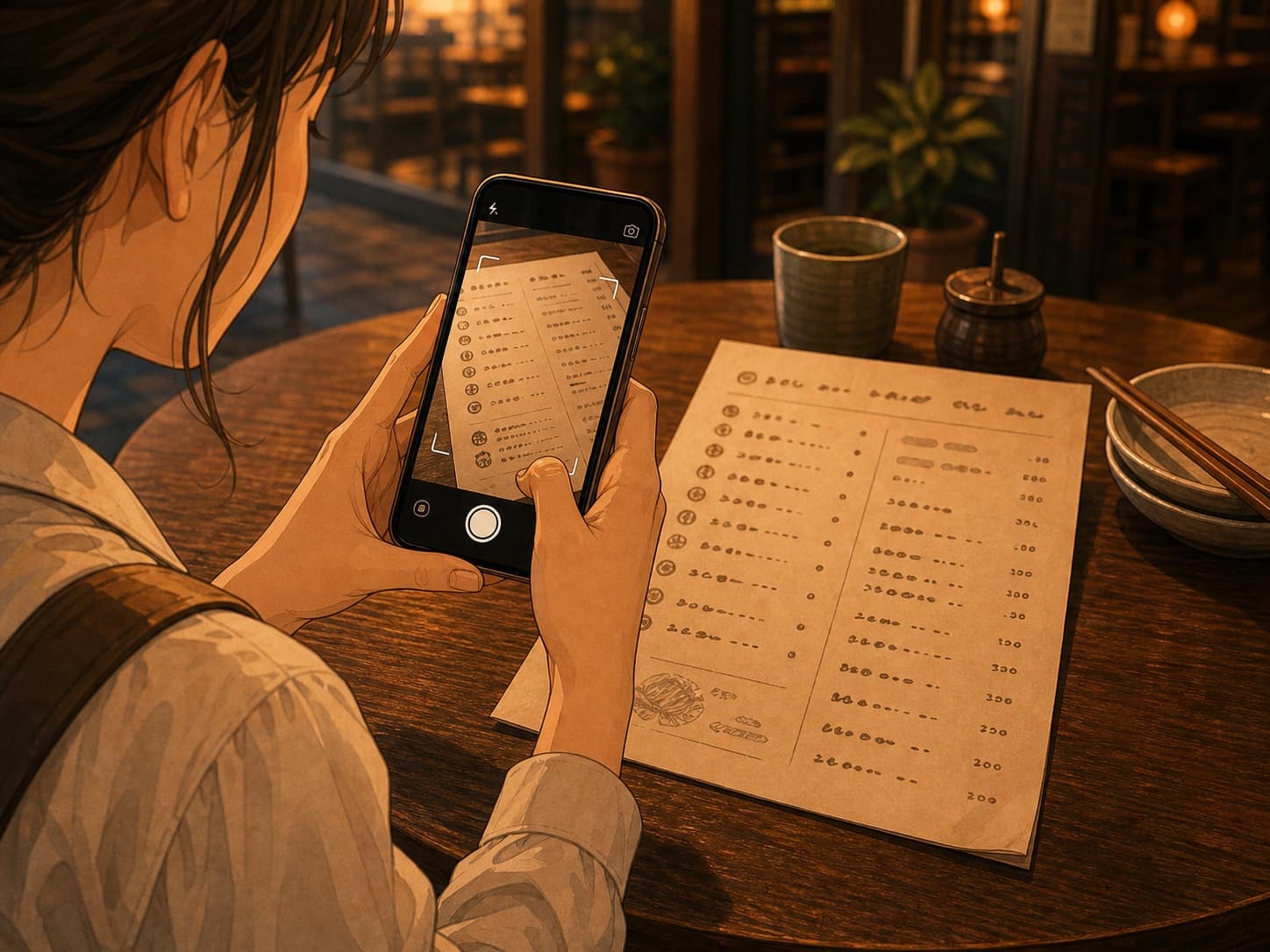
A traveler taking a photo of a menu with a phone
3

Review thetranslated menu

The menu you upload is organized with dish names, descriptions, and prices in detail.

A traveler feeling relieved while reading a translated menu
4

Show itto staff

Show your selected dishes and requests to the restaurant staff.

A traveler showing an order card to restaurant staff
Review orderClose
Phrase for staffこれを注文したいです
豚串 × 1厚揚げ × 1

No cilantroNut allergy
5

Keep requestswith the order

Add allergies, ingredients to avoid, and spice preferences to the order card.

RequestsAdd
No cilantro
Nut allergy
Review orderClose
Phrase for staffこれを注文したいです
豚串 × 1厚揚げ × 1

No cilantroNut allergy

Understand clearly, order comfortably

Translated menu

Check names,descriptions,and prices calmly.

Review orderClose
Phrase for staffこれを注文したいです
豚串 × 1厚揚げ × 1

No cilantroNut allergy

Safety comes first

Translations are a helpful ordering aid. For serious allergies or important restrictions, always confirm with restaurant staff.

A traveler enjoying a meal at a local restaurant

On your next trip,try local restaurantswith confidence.

Understand menus clearly with Tabero and order comfortably at local restaurants.

Download on the App Store